 arrangely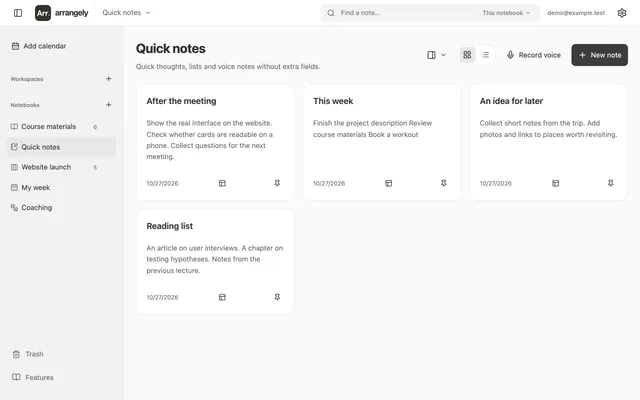
Text and voice notes
Open a note and start writing. Use a checklist for a shopping list or record a thought on your phone. The recording stays in the note, and its transcript is added to the text.
Explore notesArrangely
Choose a format for the job. Use only notes, keep a single planner or group different notebooks in a workspace.
Open a note and start writing. Use a checklist for a shopping list or record a thought on your phone. The recording stays in the note, and its transcript is added to the text.
Explore notes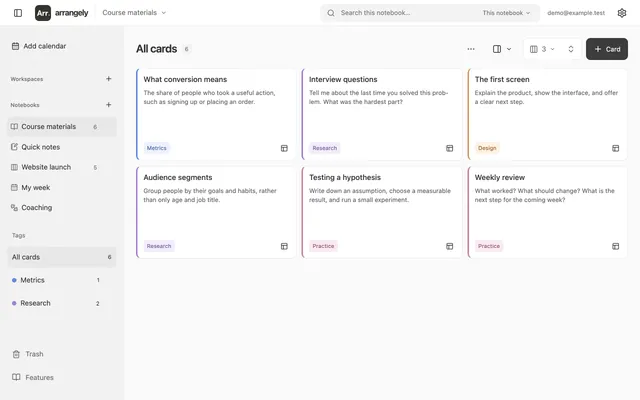
Read a short summary on the card. Open it for the explanation, images and source links. Use this format for study notes, research and work materials.
Explore cards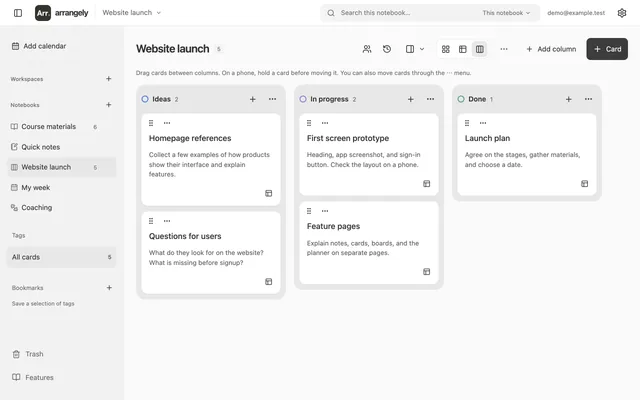
Create columns for your process, such as Ideas, Research and Done. Move cards between stages or switch to the table to review the backlog.
Explore boards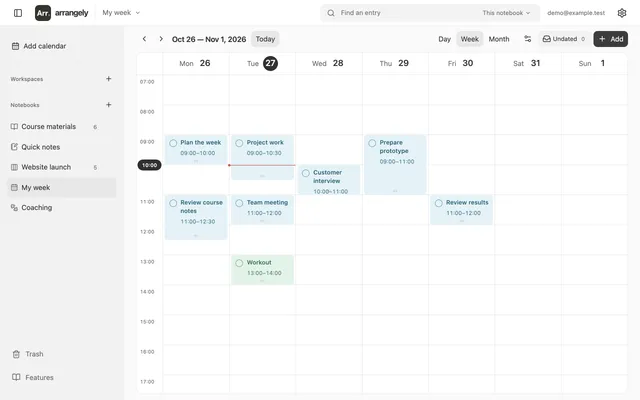
See your schedule by day, week or month. Add timed appointments, all-day tasks and undated work. Move a task onto the calendar when you have a time for it.
Explore planner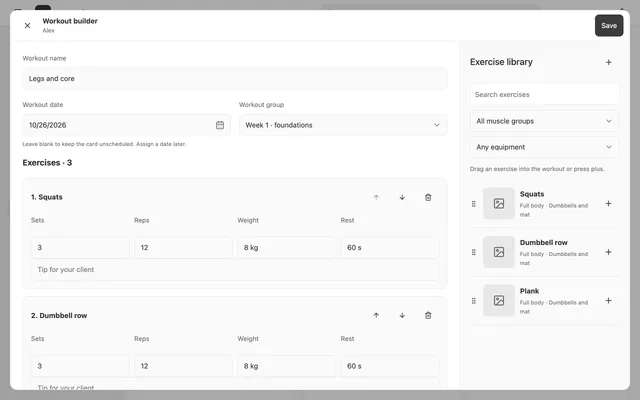
Build a workout from exercises, arrange sessions into groups and send your client a link. After completion, review the result and comment for the day.
Explore coaching